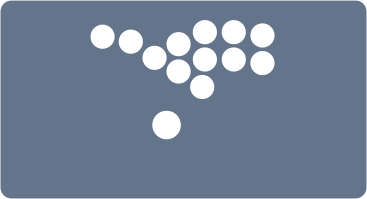
Connect to a Glyph in Connect to Configurator mode
After connecting, click Load config to load the profiles stored on the Glyph
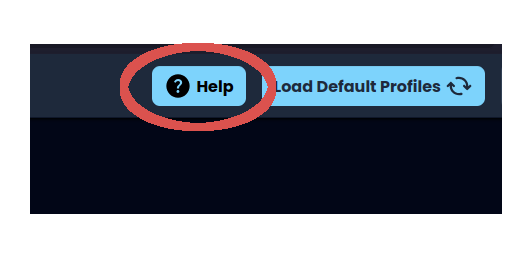
Load the Limit Labs default profiles
Download the current configuration as a JSON file
This creates a local backup of every profile and setting currently loaded
Upload a saved JSON configuration file
Use this to continue editing a configuration even when a Glyph is not connected
This will overwrite all current profiles